How to fix windows detected a hard disk problem : Backup your files immediately to prevent information loss, and then contact the computer manufacturer to determine if you need to repair or replace the disk.
Question : I prepared my new machine and installed windows 7 operating system on it. But after some time i got a pop up window with the message “window detected a hard disk problem”. I am worried if it is virus or it is genuine window message. If it is not virus then what should i do? is my hard drive corrupted/damaged and i need to replace hard drive? Please help?
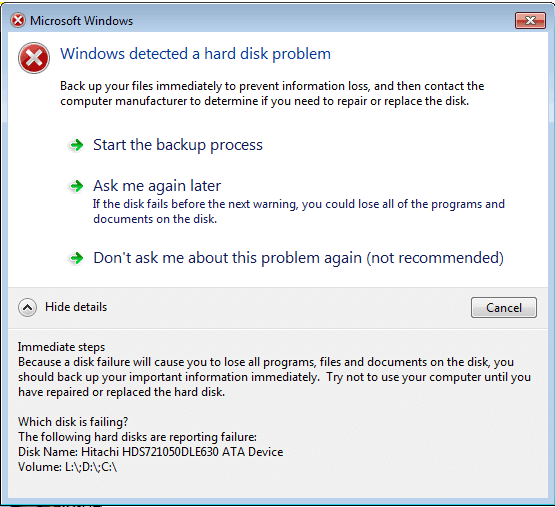
windows detected a hard disk problem backup your files immediately
Answer : Friend, this is not a virus and its a alert message from windows. You do not need to worry about this and follow given steps. I am sure given steps will help you to resolve issue-
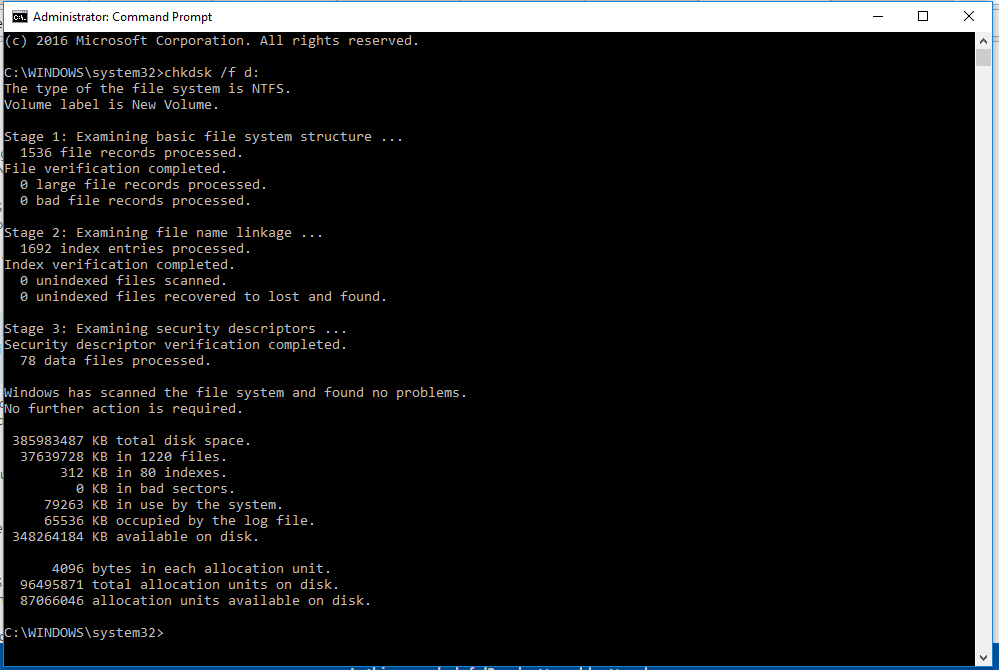
- In the first step you should scan all of your computer drives using chkdsk command.
To scan individual drives : Open command Prompt as admin and type ‘chkdsk /f d:’ . In this chkdsk will scan d: drive and will repair if any error (/f).
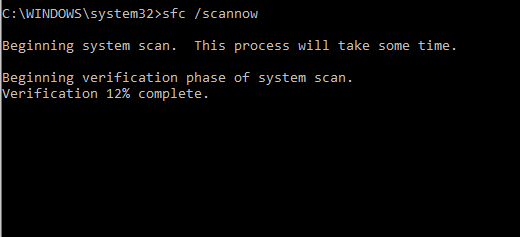
2. After chkdsk you can also use system file checker to repair missing or corrupted system files. Use ‘sfc /scannow’ command to scan computer.
In the above two steps your error should resolve and if it will not then you should immediately backup your data and contact hard drive support because now we can not deny for any other hardware issue in the hard drive. If there is any hard drive issue then it cant be repaired by any software or any other command. If you want to still avoid this message or disable this pop up message then you can follow given steps-
- Click Start and type ‘gpedit.msc’ in search
-
In Computer Configuration – > Administrative Templates > System > Troubleshooting and Diagnostics > Disk Diagnostics – > Select “Disc Diagnostic: Configure execution level..” and disable this setting. Once you will do this and restart machine, you will never receive this error message.


Thanks for sharing this informative article it carry my relevant points, do keep up the good work.